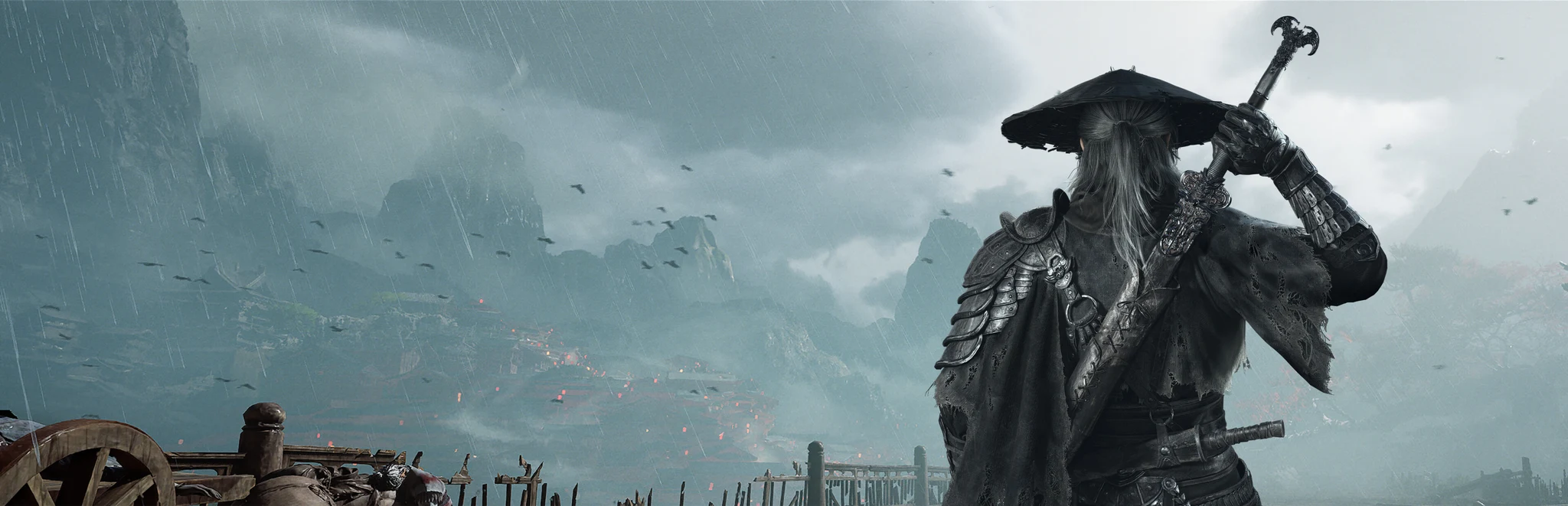
影之刃零
Mods
Create Mod (opens in a new window)
© 2026 ModCraft
Terms of ServicePrivacy PolicyPersonal Information Collection ListCommunity Guidelines
Public security registration icon沪公网安备31010402336453号沪ICP备2026004483号-1增值电信业务经营许可证 合字B2-20260555
  1. All games
  2. 影之刃零
  3. #143 双钺撕咬音效mod
All 206 影之刃零 Mods

双钺撕咬音效mod

双钺撕咬音效,添加了较为搞笑的攻击音效

啊啊啊阿天@modder_lnq4x7ux
Downloads
13
Subscribers
0
Views
40
Comments
0

Published —Updated —

Scan status unknown: make sure you trust the source before installing.

Install 1 required prerequisite first; see Prerequisites below.

Category & tags

Visuals
  • 音效

Prerequisites

  • UE4SS - 影之刃零
    Required
    UE4SS-PBZ-4.0.0.zip

License & permissions

  • Derivative works allowed
  • Reposting allowed
  • No asset use
  • No porting to other games
  • Contains AI-generated content
  • No third-party assets
Additional terms
第三方素材:未使用 AI 使用声明:包含 AI 生成内容

安装说明:

安装方法下载 PBZ 专用 UE4SS,按它页面的说明解压:dwmapi.dll 和 ue4ss 文件夹要放在 <游戏根目录>\platform\steam\ 下(也就是 PBZ.exe 旁边)。别用 GitHub 上的通用 UE4SS 版本,这个游戏要用专用版。

第二步:放 Mod

  1. 打开 <游戏根目录>\platform\steam\ue4ss\Mods\
  2. 把压缩包里的 PBZSoundReplace 整个文件夹复制进去
  3. 确认路径长这样,别多套一层:
    • ...\ue4ss\Mods\PBZSoundReplace\dlls\main.dll
    • ...\ue4ss\Mods\PBZSoundReplace\enabled.txt
    • ...\ue4ss\Mods\PBZSoundReplace\audio\attack.wav(另外三个 wav 同在 audio 里)

如果之前装过旧版本,直接覆盖掉整个 PBZSoundReplace 文件夹。

第三步:进游戏

正常启动游戏,装备天煞双钺打一套。不需要按任何键,命中就会出你的音效。

想先确认文件没坏,可以在游戏里按:

  • F8 攻击音效
  • F9 杀气攻击音效
  • F10 绝技音效
  • F11 完美格挡音效

能听到对应的声音,说明安装和音频都正常。

卸载:删掉 ue4ss\Mods\PBZSoundReplace 文件夹即可,不影响存档。

要换音效:把 audio 里的 wav 替换成你的文件、保持同名即可(attack.wav、shaqi.wav、ultimate.wav、parry.wav),不用重新下 Mod。

Files 1

  • PBZSoundReplace-0.9.1.zip0.9.1

    Scan status unknown
    Published —1.8 MB13 downloads
    NOTES
    连续格挡音频优化

双钺撕咬音效modInstall 1 required prerequisite first

More from 啊啊啊阿天

View all

More popular 影之刃零 Mods

All 影之刃零 Mods
0/200

评论 0